The Benazir Income Support Programme (BISP) has introduced updated verification rules for 2026 to ensure that financial assistance reaches only deserving families. Beneficiaries receiving payments through the 8171 system may now need to verify their information with the National Database and Registration Authority (NADRA) if their records are outdated or flagged in the system.This guide explains why verification is required, who must complete it, the documents needed, and the step-by-step process to successfully complete the BISP 8171 NADRA re-verification in 2026.
Why NADRA Verification Is Important in 2026
The BISP 8171 program uses NADRA’s national database to confirm the identity and eligibility of beneficiaries. Updated verification helps the government prevent fraud and ensure transparent distribution of funds.
During verification, NADRA checks several important details, including:
-
CNIC validity
-
Family registration information
-
Marital status updates
-
Biometric authentication
-
Household and family data
If your information does not match NADRA’s database, your payment status on the 8171 portal may show “Pending Verification.” In such cases, you must update your records before payments can resume.
Who Needs BISP 8171 Re-Verification?
Not all beneficiaries need to complete verification again. However, you must re-verify your information if any of the following situations apply:
-
Your CNIC has expired
-
Your marital status has changed
-
A new family member has been added or removed
-
You received an SMS from 8171 requesting verification
-
Your BISP payment is blocked or delayed
Many households face payment issues because their National Socio-Economic Registry (NSER) data is incomplete or outdated.
Required Documents for BISP 8171 NADRA Verification
When visiting your nearest BISP office or NADRA center, bring the following original documents:
-
Valid Computerized National Identity Card (CNIC)
-
Children’s B-Form issued by NADRA
-
Family Registration Certificate (FRC)
-
Proof of income (if requested)
-
Utility bill for address verification
-
Disability certificate (if applicable)
-
Death certificate for updating family records
Make sure all documents are original, valid, and updated to avoid delays in the verification process.
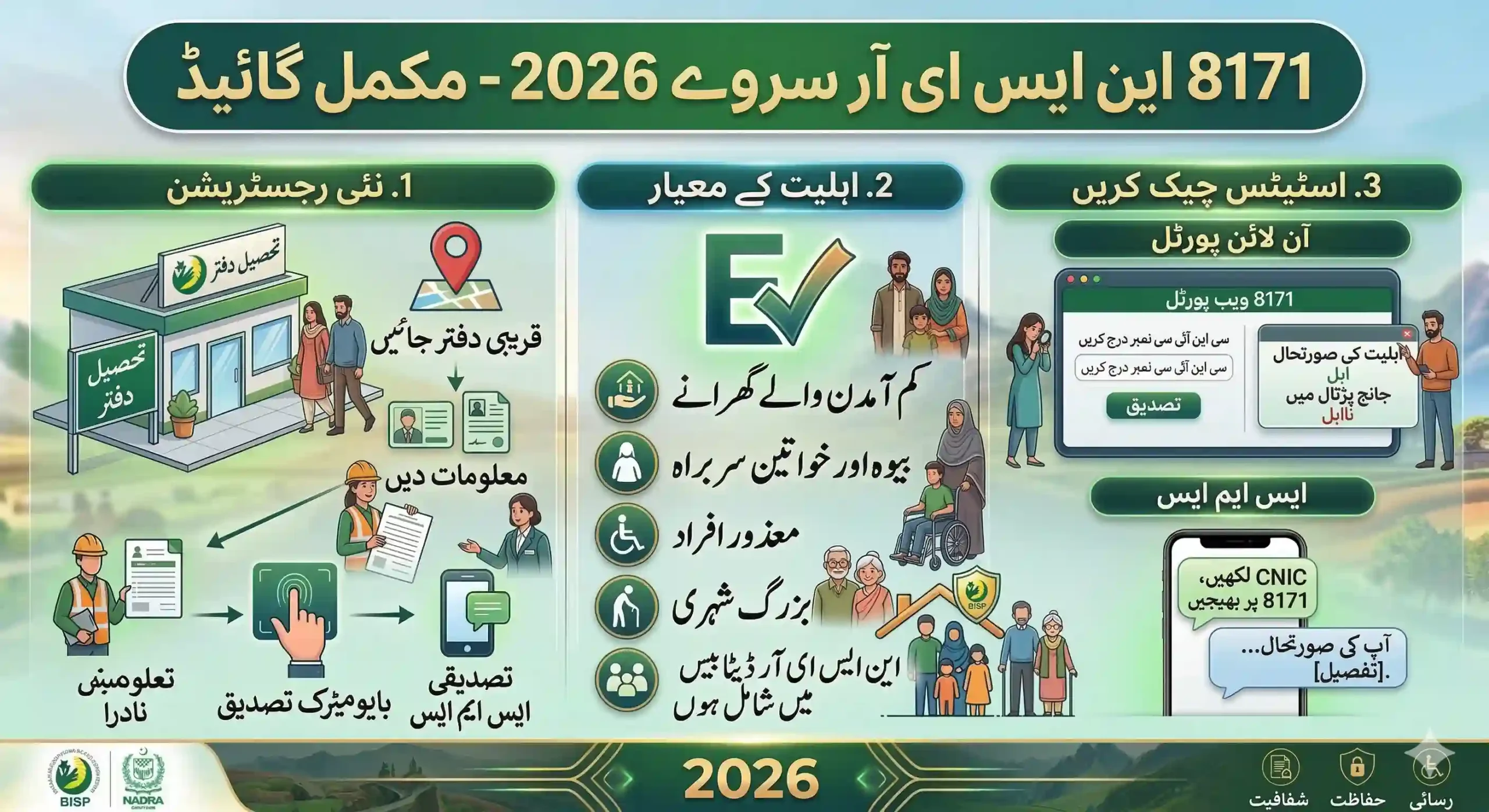
How to Complete the BISP 8171 Verification Process
Follow these simple steps to complete your BISP 8171 NADRA verification in 2026.
Step 1: Check Your Status
Visit the 8171 web portal and enter your CNIC number to check whether verification is required.
Step 2: Visit NADRA (If Required)
If your data is outdated, visit the nearest NADRA office to update:
-
Family records
-
Marital status
-
Biometric information
Once your information is updated, it will be reflected in the national database.
Step 3: Visit the BISP Tehsil Office
Go to your nearest BISP Tehsil Office and complete the Dynamic Survey under the NSER system.
Officials will review your household details and verify your eligibility.
Step 4: Wait for Confirmation
After your data is verified, you will receive a confirmation SMS from 8171 informing you that your verification is complete.
Once approved, your quarterly BISP payment will resume.
Common Reasons for Verification Failure
Sometimes verification fails due to small errors in the database. The most common issues include:
-
Expired CNIC
-
Biometric mismatch
-
Unregistered mobile SIM
-
Incorrect household information
-
Duplicate family entries in the system
Fixing these issues quickly can help restore your payments without long delays.
Final Guidance for Beneficiaries
The 2026 verification update for the Benazir Income Support Programme aims to increase transparency and make sure financial support reaches the families who truly need it.
To avoid payment interruptions:
-
Keep your CNIC and NADRA records updated
-
Follow instructions sent from the official 8171 SMS service
-
Do not pay agents or middlemen claiming to speed up the process
By completing the verification process correctly, you can continue receiving your quarterly BISP financial assistance without problems.
Latest Updates